Original: $109.00
-65%$109.00
$38.15The Story
SafetyPro™ AP2 Max Filters
Filter System Overview
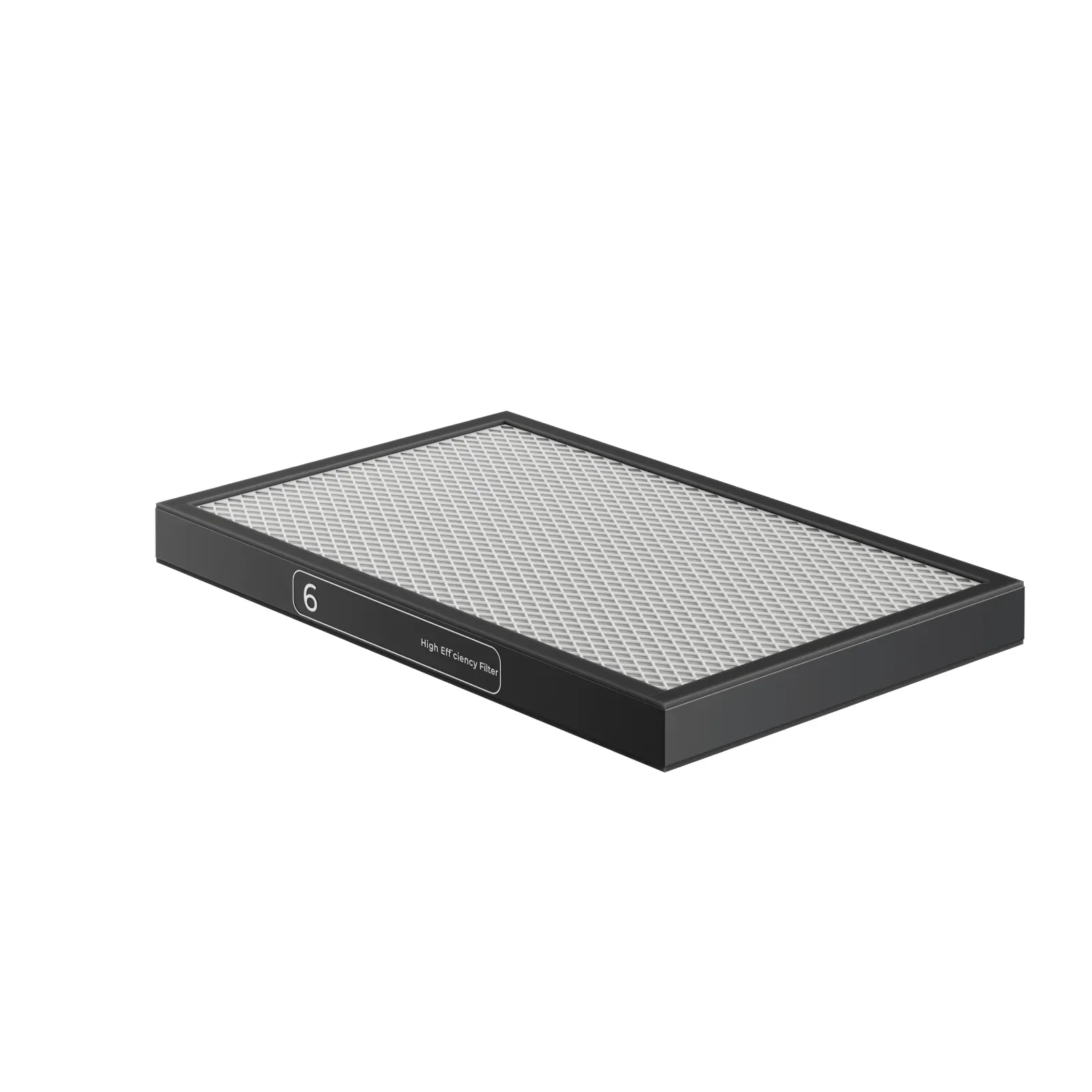
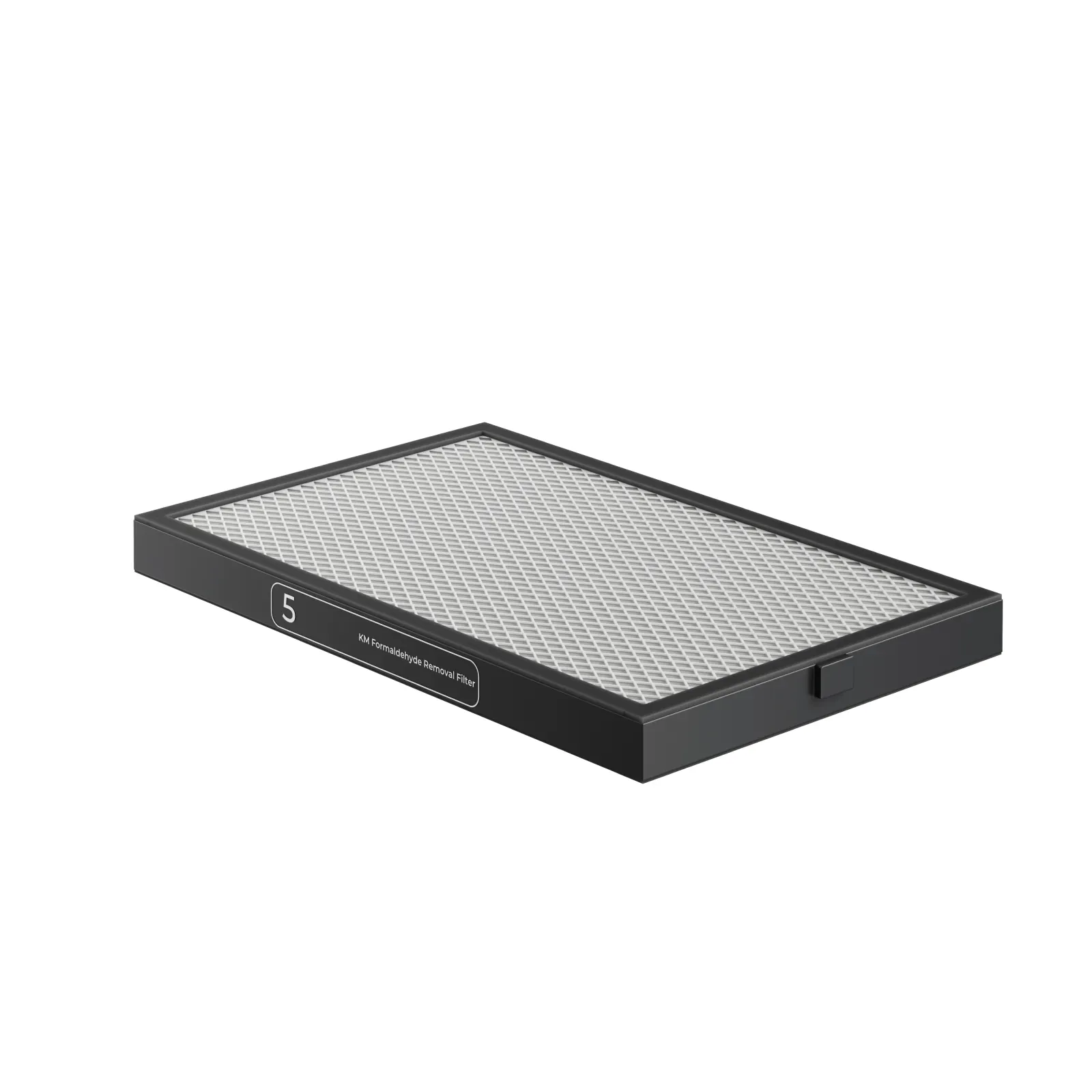
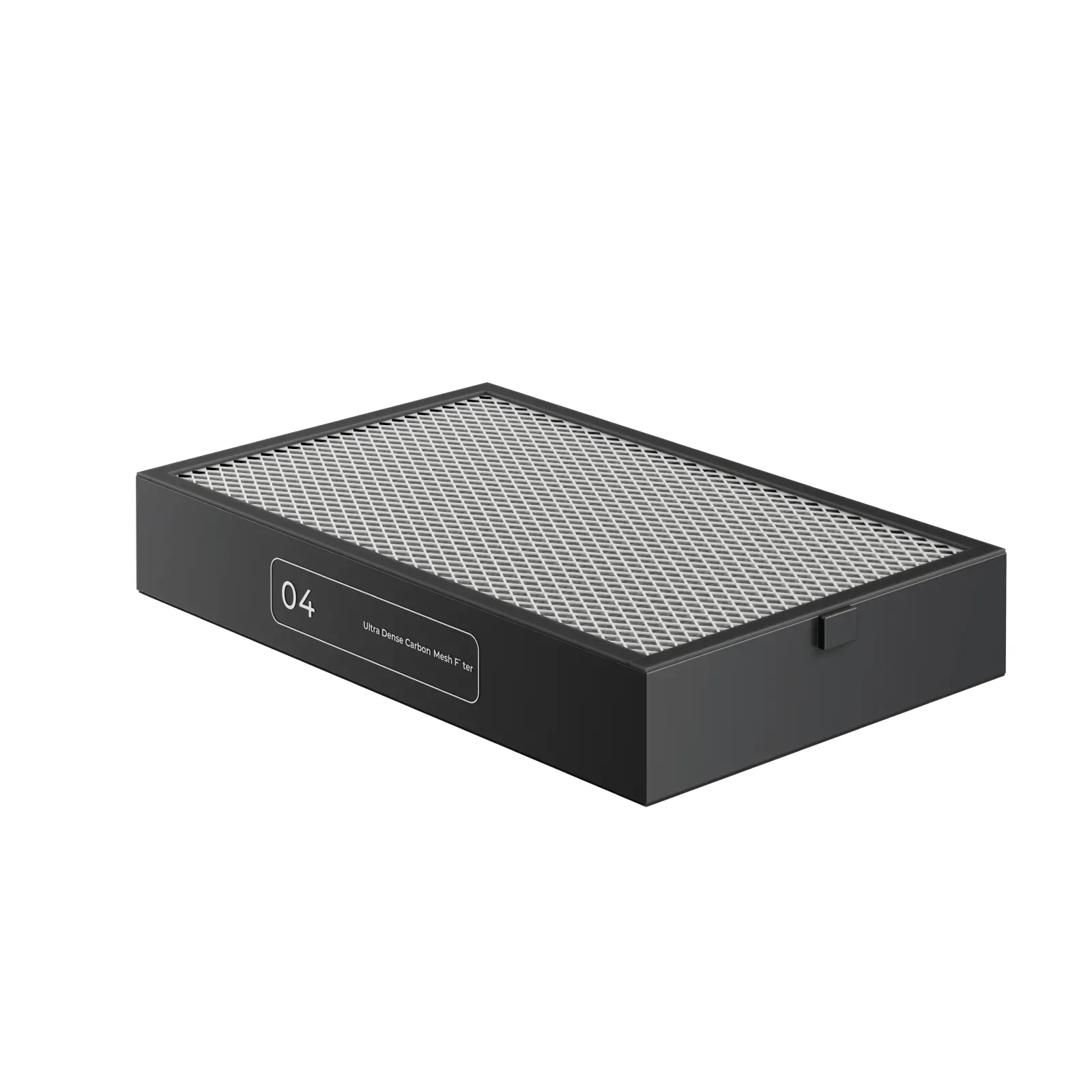
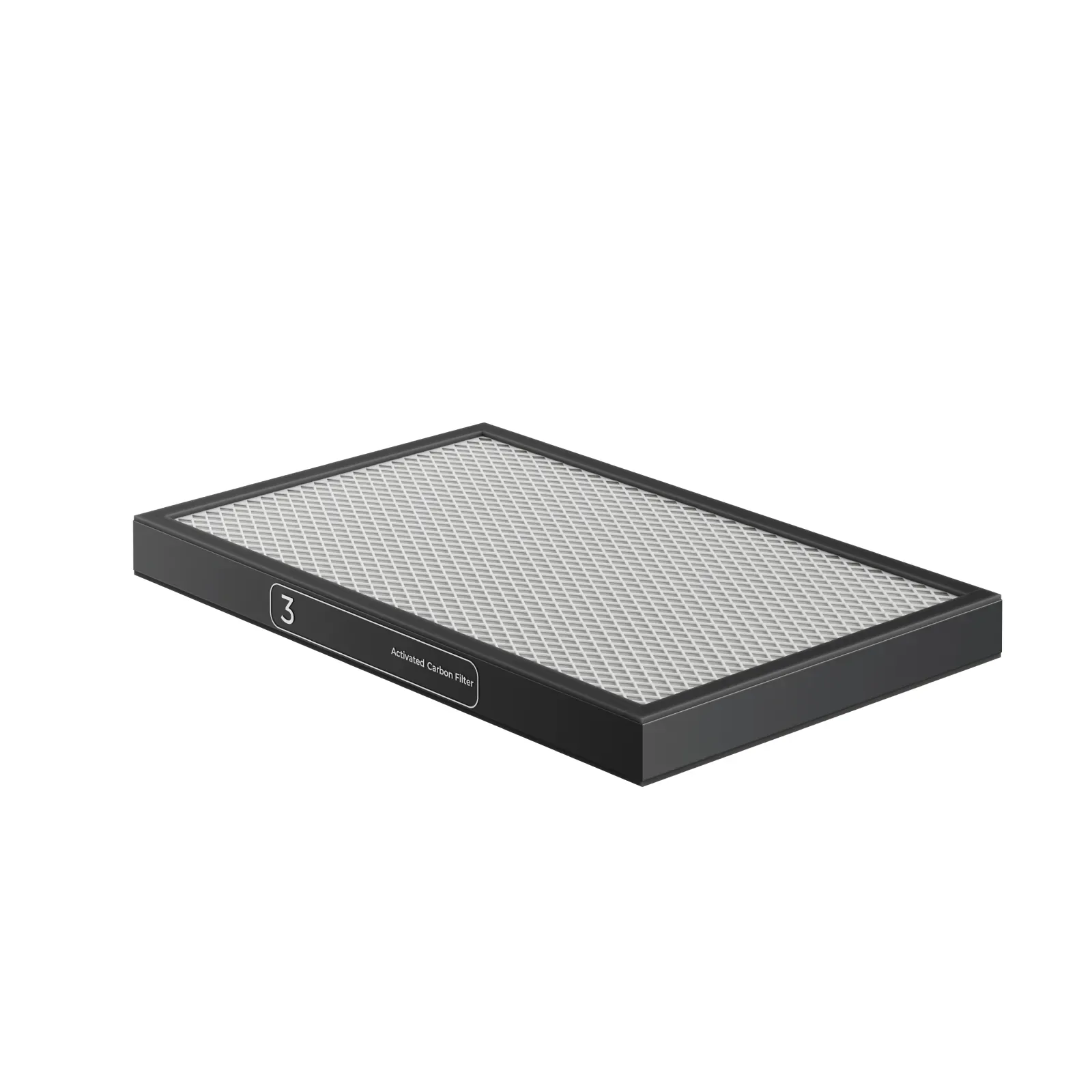
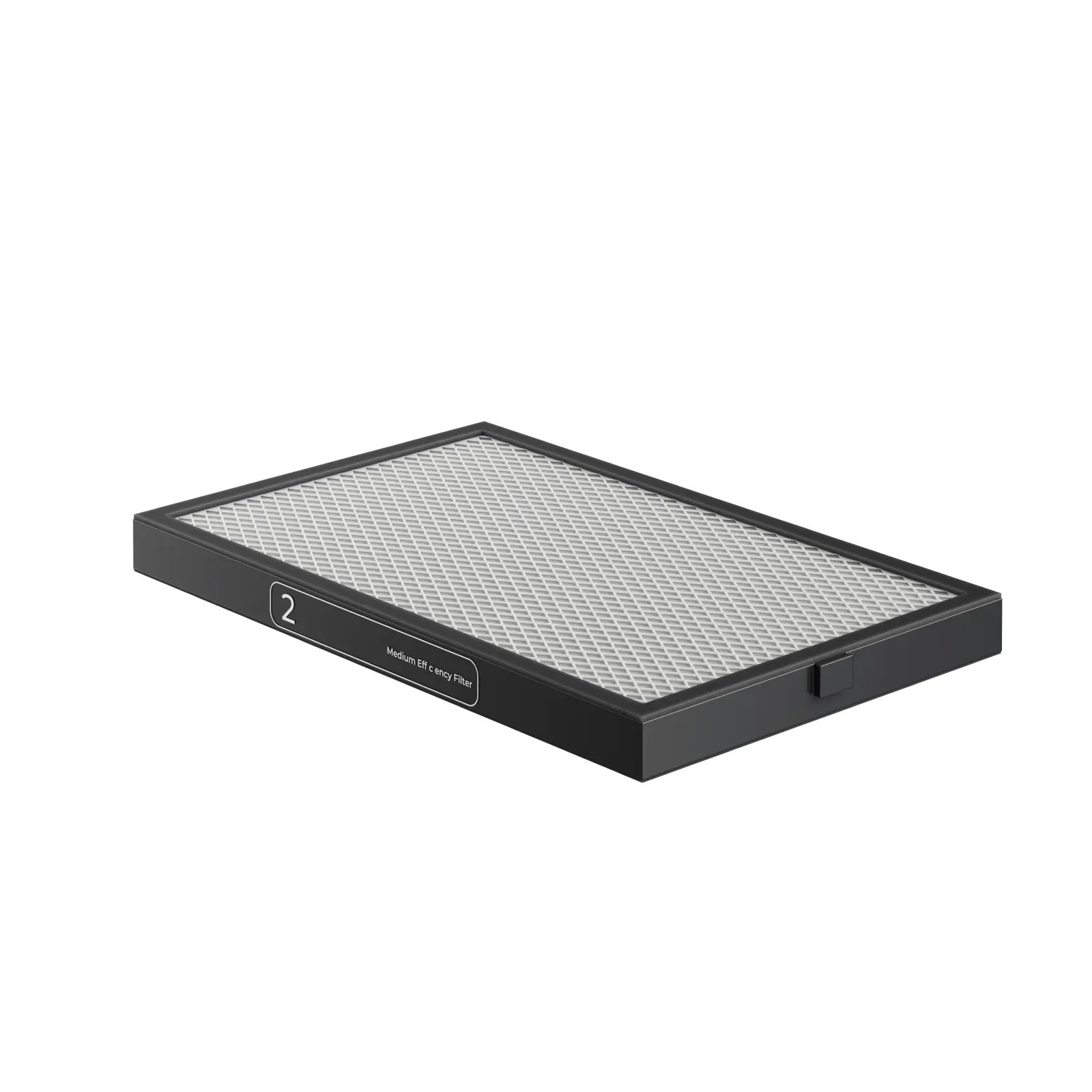
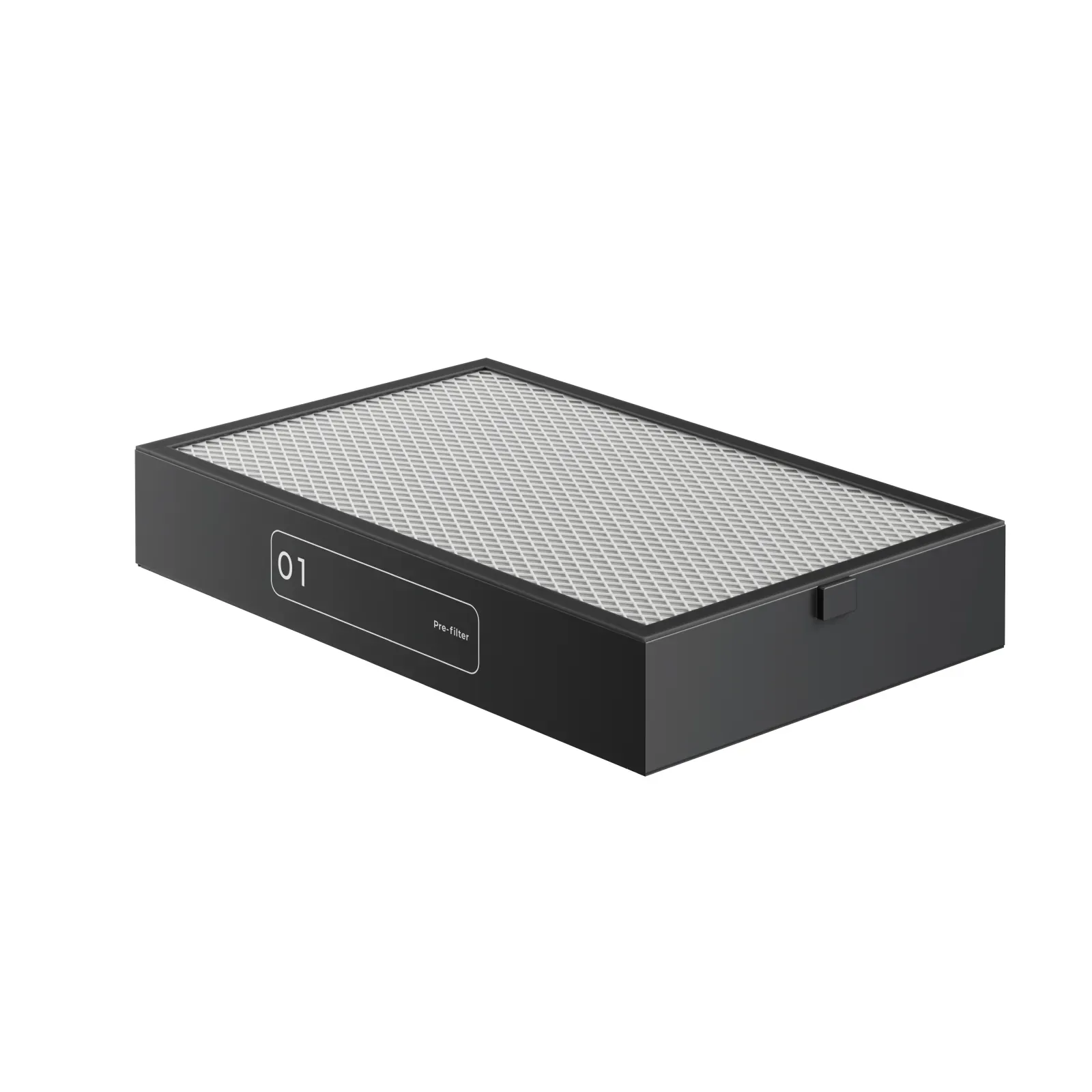
The xTool SafetyPro™ AP2 Max uses a multi-stage filter system designed for extreme air purity, especially when used with industrial-grade and desktop laser machines. The filter system includes:
- Pre-filter
- Medium efficiency filter
- Activated carbon filter
- Ultra dense carbon mesh filter
- KM formaldehyde removal filter
- High efficiency filter
- Dynamic layer
Each filter is essential for removing particulates, odors, and harmful gases, including formaldehyde. The formaldehyde removal filter contains pellets soaked in potassium permanganate solution; red powder on its surface due to transport is normal and does not affect performance or safety
Installation and Replacement
- Filters come with protective packaging. Remove all packaging before use.
- Filters are disposable; do not wash or reuse them.
- Always purchase replacement filters from Makeblock (xTool’s parent company) to ensure compatibility and performance.
- Place all filters in the purifier before operation. Running the device without filters can damage internal components, which is not covered by warranty.
- When filters are heavily blocked or their life is low (≤30%), replace them promptly. The xTool software and the remote control will indicate filter status:
- Solid green: Filter is normal.
- Blinking green: Filter life is low (≤30%), needs replacement.
- Off: Filter is missing.
Filter Life and Storage
- AP2 Max tracks filter life based on machine type, material, and processing model for smarter lifespan management.
- Store filters in a dry, ventilated environment at 5–60°C with humidity below 55%.
- Storage period: up to 6 months. After this, filtration performance and lifespan may decline.
Maintenance
- Disconnect the power cable before replacing filters.
- Regularly clean and maintain the purifier, and routinely change filters to ensure proper operation.
Filter Indicator Reference
| Indicator | Status | Meaning |
|---|---|---|
 |
Solid green | Filter is normal |
| Blinking green | Filter life is low (≤30%), needs replacement | |
| Off | Filter is missing |
Warnings & Best Practices
- Do not use the purifier outside the specified humidity range (40%–80%) or temperature range (up to 60°C).
- Do not attempt to wash or reuse filters.
- Stop using the purifier when filters are heavily blocked to avoid damage.
- Only professionals should open the rear panel for examination or repair.
Details & Craftsmanship
Every detail has been carefully considered to bring you the perfect product.
Details & Craftsmanship
Every detail has been carefully considered to bring you the perfect product.
Details & Craftsmanship
Every detail has been carefully considered to bring you the perfect product.
Details & Craftsmanship
Every detail has been carefully considered to bring you the perfect product.
Details & Craftsmanship
Every detail has been carefully considered to bring you the perfect product.
Description
SafetyPro™ AP2 Max Filters
Filter System Overview
The xTool SafetyPro™ AP2 Max uses a multi-stage filter system designed for extreme air purity, especially when used with industrial-grade and desktop laser machines. The filter system includes:
- Pre-filter
- Medium efficiency filter
- Activated carbon filter
- Ultra dense carbon mesh filter
- KM formaldehyde removal filter
- High efficiency filter
- Dynamic layer
Each filter is essential for removing particulates, odors, and harmful gases, including formaldehyde. The formaldehyde removal filter contains pellets soaked in potassium permanganate solution; red powder on its surface due to transport is normal and does not affect performance or safety
Installation and Replacement
- Filters come with protective packaging. Remove all packaging before use.
- Filters are disposable; do not wash or reuse them.
- Always purchase replacement filters from Makeblock (xTool’s parent company) to ensure compatibility and performance.
- Place all filters in the purifier before operation. Running the device without filters can damage internal components, which is not covered by warranty.
- When filters are heavily blocked or their life is low (≤30%), replace them promptly. The xTool software and the remote control will indicate filter status:
- Solid green: Filter is normal.
- Blinking green: Filter life is low (≤30%), needs replacement.
- Off: Filter is missing.
Filter Life and Storage
- AP2 Max tracks filter life based on machine type, material, and processing model for smarter lifespan management.
- Store filters in a dry, ventilated environment at 5–60°C with humidity below 55%.
- Storage period: up to 6 months. After this, filtration performance and lifespan may decline.
Maintenance
- Disconnect the power cable before replacing filters.
- Regularly clean and maintain the purifier, and routinely change filters to ensure proper operation.
Filter Indicator Reference
| Indicator | Status | Meaning |
|---|---|---|
|
Solid green | Filter is normal |
| Blinking green | Filter life is low (≤30%), needs replacement | |
| Off | Filter is missing |
Warnings & Best Practices
- Do not use the purifier outside the specified humidity range (40%–80%) or temperature range (up to 60°C).
- Do not attempt to wash or reuse filters.
- Stop using the purifier when filters are heavily blocked to avoid damage.
- Only professionals should open the rear panel for examination or repair.